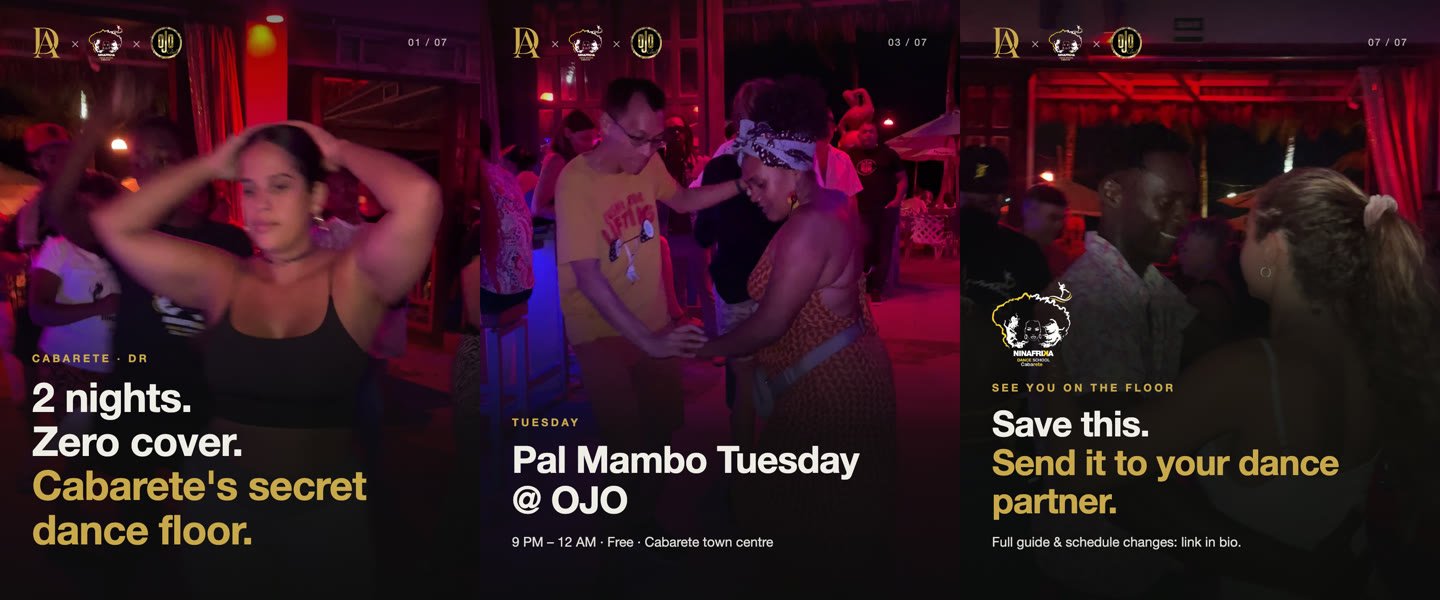
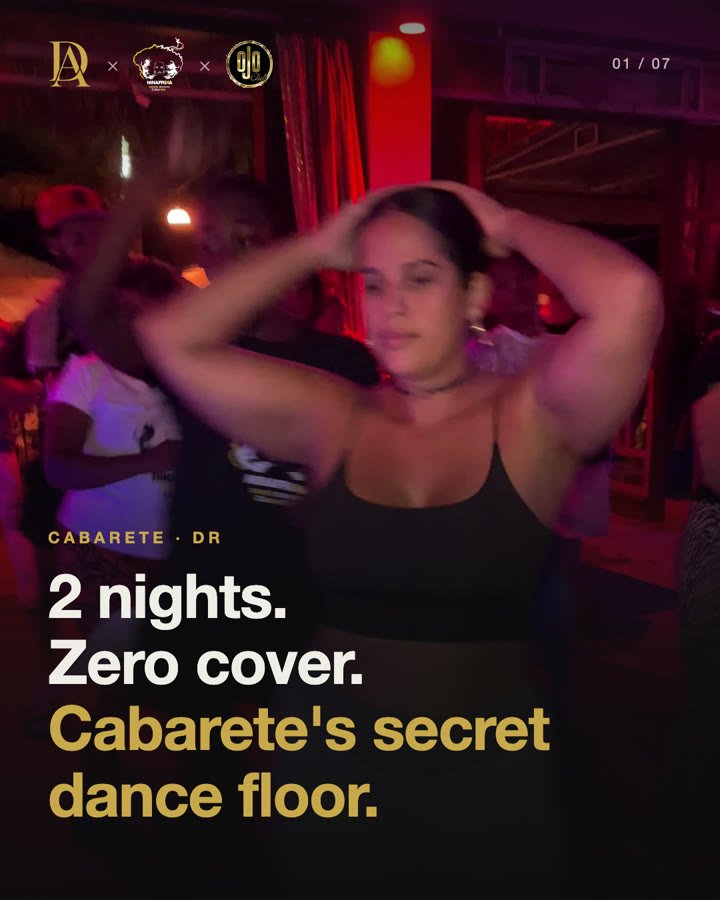
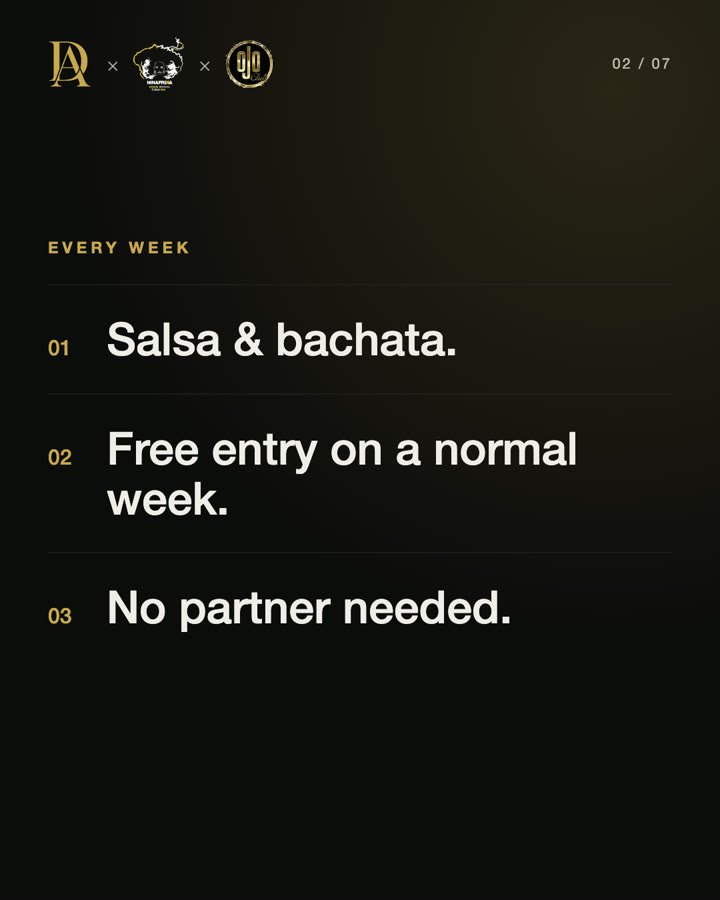
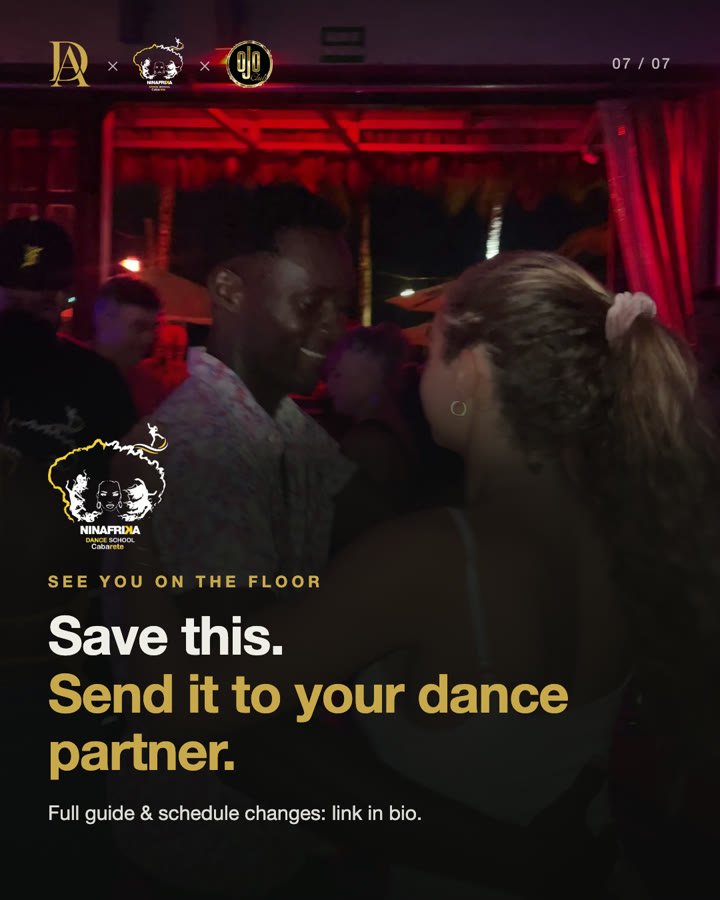
This is the exact process I used to make the carousel on Cabarete's salsa and bachata nights for Ninafrika Dance School and OJO. No Canva, no templates: I gave the AI a brief and photos pulled from my own videos, then revised it the way I'd brief a designer. Here's every step, with the commands and prompts to copy.
What you'll use
| Tool | What for | Where | Price |
|---|---|---|---|
| Claude Code | The AI assistant that writes and runs everything from the terminal | claude.com | Included in Claude's paid plans |
| Open Carrusel | Carousel editor: the AI designs each slide in HTML and exports it to PNG at Instagram's exact sizes | github.com/Hainrixz/open-carrusel | Free, open source (MIT) |
| ffmpeg | Pull frames from your videos | ffmpeg.org | Free |
| ImageMagick (optional) | Measure which frame is sharpest | imagemagick.org | Free |
| Claude Banana (reviewed, not used) | Writes prompts for AI image generation (uses Google's API) | github.com/Hainrixz/claude-banana | Free (MIT); needs a Google AI key |
About skills: I didn't install any extra skill. Open Carrusel already ships its own Claude Code commands (/start, /stop, /reset and /doctor) and internal instructions that tell the AI how to build a carousel (an 8-slide arc with a hook and a closing call to action, in src/lib/chat-system-prompt.ts). Your style comes from the brief in step 1. Open Carrusel and Claude Banana are projects by Hainrixz, from tododeia.
Step 1
Write the brief
Before you touch any tool, write down who you are, who you're talking to and what you want. The AI reads it before every slide; without it, everything comes out generic. I write one per brand and reuse it.
# Brand brief for carousels

## Who I am
- Name / brand:
- What I do (one sentence):
- Where I am:
- Instagram account:

## Who I'm talking to
- Main audience:
- What they want or worry about:
- Slide language:

## What this carousel should achieve
- Goal (saves, shares, website visits, messages):
- Call to action on the last slide:

## Style
- Colors (hex): background / text / accent
- Font:
- Logo (yes/no, where):
- Photos: my own. No AI-generated images of real people or places.
- What I DON'T want:

## Facts
- Where the facts come from (link):
- What needs checking before posting:

## Format
- 4:5 (1080 × 1350), 6 to 9 slides
- Slide 1: hook of 8 words max
- One idea per slide, 10 to 20 words
- All text inside the central 80%
Mine: background #0C0C0C, cream #F0EDE8 and gold #C9A84C (my website's colors), Helvetica (the font in my videos), no face, and facts taken from my own blog post, which was already checked.
Step 2
Pull photos from your videos
I had no photos of the parties, only 4K iPhone videos. Pausing a video and taking a screenshot gives you blurry, low-resolution images. ffmpeg pulls frames at full resolution. On a Mac, install it with brew install ffmpeg.
1. One contact sheet per video, to see every moment at a glance (here, one frame every 2 seconds):
ffmpeg -i video.mov -vf "fps=1/2,scale=360:-1,tile=4x6" -frames:v 1 -q:v 3 sheet.jpg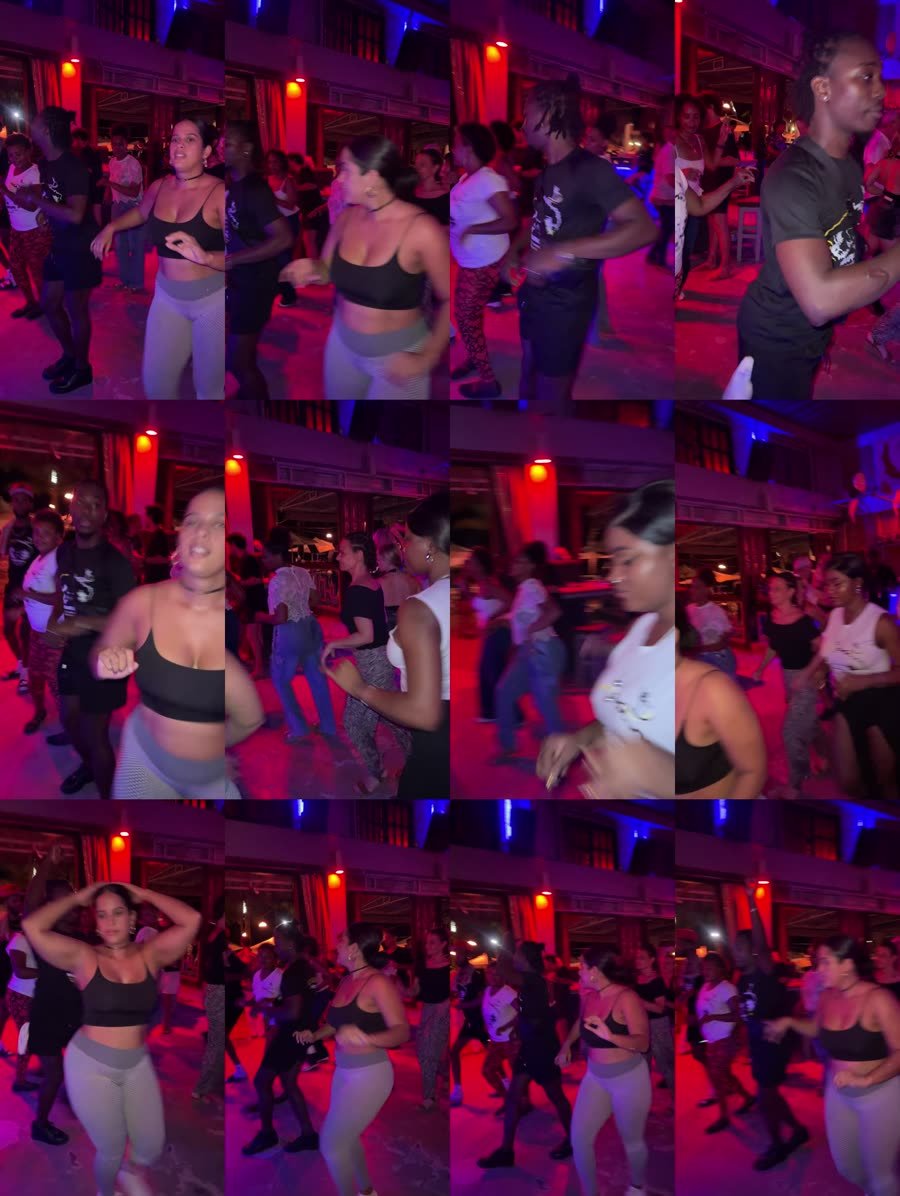
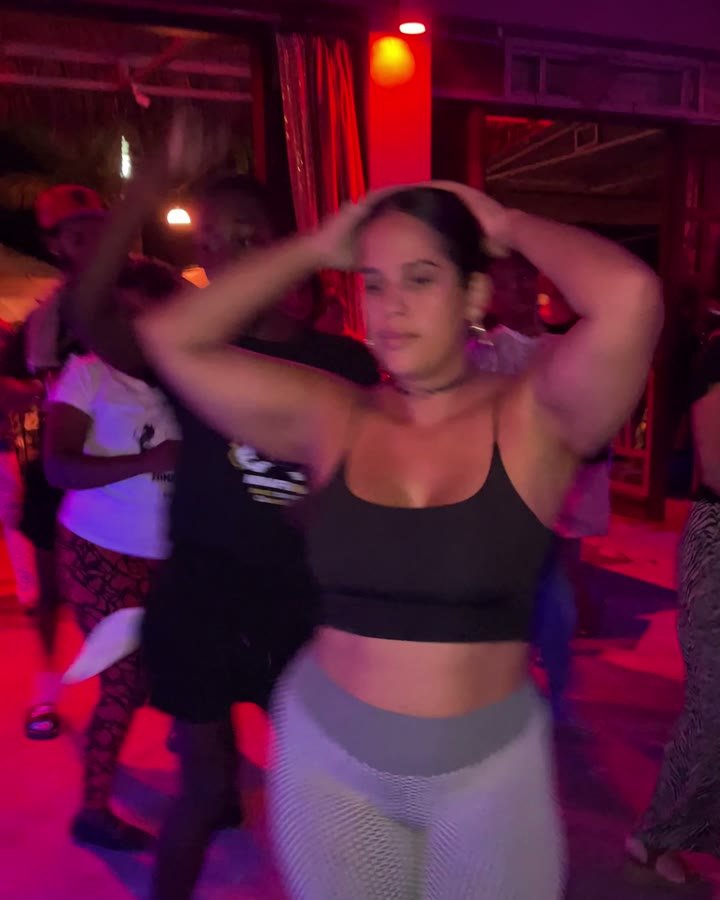
2. Pull a burst from the moment you like. If it's at second 14, grab 4 frames per second for 2 seconds:
ffmpeg -ss 14 -t 2 -i video.mov -vf fps=4 -q:v 2 cand_%02d.jpg3. Pick the sharpest by eye or, if you have ImageMagick, with a sharpness score (higher is sharper):
for f in cand_*.jpg; do echo "$f $(magick "$f" -resize 540x -colorspace Gray -morphology Convolve Laplacian:0 -format '%[fx:standard_deviation*10000]' info:)"; done4. Crop it to 4:5:
ffmpeg -i cand_05.jpg -vf "crop=iw:iw*5/4,scale=1620:2025" -q:v 2 chosen_4x5.jpgYou don't have to type any of this: ask Claude Code.
I have videos in the "videos/" folder. For each video, make a contact sheet with ffmpeg (one frame every 1 or 2 seconds, 4×6 grid) and save them in "_work/contact-sheets/".

Then I'll tell you which moments I want (video + second). For each one: extract frames at 4 per second for 2 seconds, keep the 3 sharpest, crop them to 4:5 (1620×2025) and save them in "_work/frames/<slide-name>/".

Don't delete or move my original videos.
Mind the people in your photos. At a party, people who aren't your client end up in the frame. Get permission from the organizer, favor shots where the team is the focus and never use images of minors. And don't generate people with AI to "fill in".
Step 3
Install Open Carrusel
You need Node.js 20 or newer and Claude Code signed in. Then, in the terminal:
git clone https://github.com/Hainrixz/open-carrusel.git
cd open-carrusel
claude
Inside Claude Code, type:
/startThe first time, it installs everything and downloads about 300 MB of Chromium (used to export the PNGs), so it takes a couple of minutes. Then the editor opens at http://localhost:3000: chat on the left, preview in the middle, slides along the bottom.
Close one door before you use it. Open Carrusel's chat runs Claude with unrestricted terminal access (Bash). It only needs it to send slides to its own API with curl. In src/app/api/chat/route.ts, change the Bash line so it reads:
"--allowedTools", "Bash(curl *)",If the chat then fails to create slides with a permissions error, change it back. And don't paste links or text from sources you don't trust into the chat: text with hidden instructions could make it run things.
Step 4
Set up your brand
In the editor's brand settings, add your name, colors, font, logo and a few style words (for example: "dark, editorial, lots of space, big type"). The AI reads them before every slide. Upload your photos too: they go to /uploads/ and the slides use them from there.
Font tip: if you use a system font like Helvetica, write it in quotes in the brand settings ('Helvetica Neue', Helvetica, Arial, sans-serif) so Open Carrusel doesn't look for it on Google Fonts.
Step 5
Generate the slides
There are two ways. The first is to ask in the editor's chat:
Use my brand (it's already set up). Create a 7-slide 4:5 carousel about [TOPIC] for [AUDIENCE].

Facts (use them as written, don't invent anything):
[PASTE THE FACTS HERE]

Structure:
1. Hook of 8 words max that opens a question
2. Context in one sentence
3–5. One idea per slide
6. One practical tip
7. Call to action: [save / send to a friend / comment WORD]

Photos: use [/uploads/photo1.png, /uploads/photo2.png...] on slides 1, 3, 4, 5 and 7, with a dark gradient at the bottom so the text is readable.

Rules: 20 words max per slide, all text inside the central 80%, a 01/07 counter top right, logo top left.

At the end, write the caption (150 words max) and 5 to 8 specific hashtags.
The second is what I did: ask Claude Code, from the terminal, for a script that builds the carousel through Open Carrusel's local API. It takes a bit longer the first time, but after that every revision means changing a line and running it again, and the design stays identical between versions.
Open Carrusel is running at http://localhost:3000. Write a Python script (standard library only) that builds my carousel through its API:

1. POST /api/carousels with {"name": "...", "aspectRatio": "4:5"}
2. POST /api/carousels/{id}/slides with {"html": ..., "notes": ...} for each slide
3. PUT /api/carousels/{id}/caption with the caption and hashtags

Each slide is body HTML (no <html> or <body>) with inline styles, 1080×1350.
Use BRIEF.md for colors, font and logo, and COPY.md for the exact text on each slide.
Write reusable functions: a slide with a background photo and text at the bottom, and a numbered-list slide.
If I pass the id of a previous version as an argument, delete it before creating the new one.
Don't invent facts: if something isn't in COPY.md, ask me.
Step 6
Revise it like it's your designer
The first version is never the one. Mine went through eight. What works is giving concrete instructions, one thing at a time. These are real revisions I made:
Remove everything about Friday: that party is on a break. The hook is now "2 nights. Zero cover."

Use Helvetica everywhere, the same font as my videos.

Top left, add the co-branding: my logo × Ninafrika × OJO, in one row.

Slide 4's photo is too dark: try the other two candidates in that folder.

On the team slide, put the Ninafrika logo large, above the title.

Check that no text falls outside the central 80%.
Before exporting, check every fact against the source. In my case, one of the three parties had been paused that very week: without that check, I'd have posted a schedule that no longer existed.
Step 7
Export and post
From the editor you export a ZIP with one PNG per slide, at 1080 × 1350. Upload them to Instagram in order. This is the caption I wrote, to post as a collab with @ninafrikadance:
Cabarete has a dance floor two nights a week — and it's free. Tuesday at OJO, Thursday on the OJO rooftop. Salsa and bachata, led by the @ninafrikadance team. No partner needed. Save this and send it to the friend who "doesn't dance" 😉 Full guide: link in bio. 📍 Cabarete, DRTo know if it worked, don't look at likes. Look at saves, shares by message and how many people reach the last slide compared with the first.
Common problems
- "Node isn't installed" or the version is old: install Node.js 20 or newer and type
/startagain. - Port 3000 is busy:
/startasks whether to close the other process or use a different port. - Something won't start and you don't know why: type
/doctorin Claude Code; it checks the install and tells you what's missing. - Photos look small or pixelated: pull them from the original video, not a screenshot, and upload them at good resolution.
- Text gets cut off on your profile: Instagram's grid crops the center of the image. That's why text stays inside the central 80%.
Want this for your brand without doing it yourself?
I make carousels, video and run social media for businesses on the North Coast. See how I work with Ninafrika in this case study.